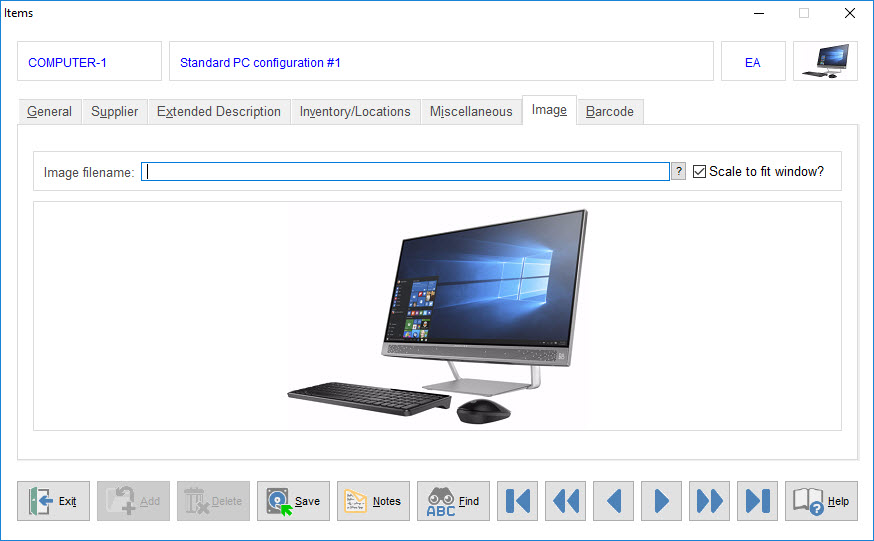
 Most new SpendMap users get pretty jazzed about the Item Master File (item catalog) in SpendMap. They love that they can put a list of approved items in front of their users. They love how most of the data entry goes away when entering new Purchase Orders (since item descriptions, pricing, account coding, etc. will default on new POs based on the selected item). And they love how they can run reports to get accurate spending history by item/part number.
But at some point the reality sets in and then comes the inevitable question, “You mean I have to set up all my items?”.
This post outlines some options for (and alternatives to) maintaining item catalogs in SpendMap…
 We love helping people who are using the Free Version of SpendMap. Feel free to log a
  Did you know that you can customize how the <Enter> key works in the Free Version of SpendMap?
 The old software was hung,